
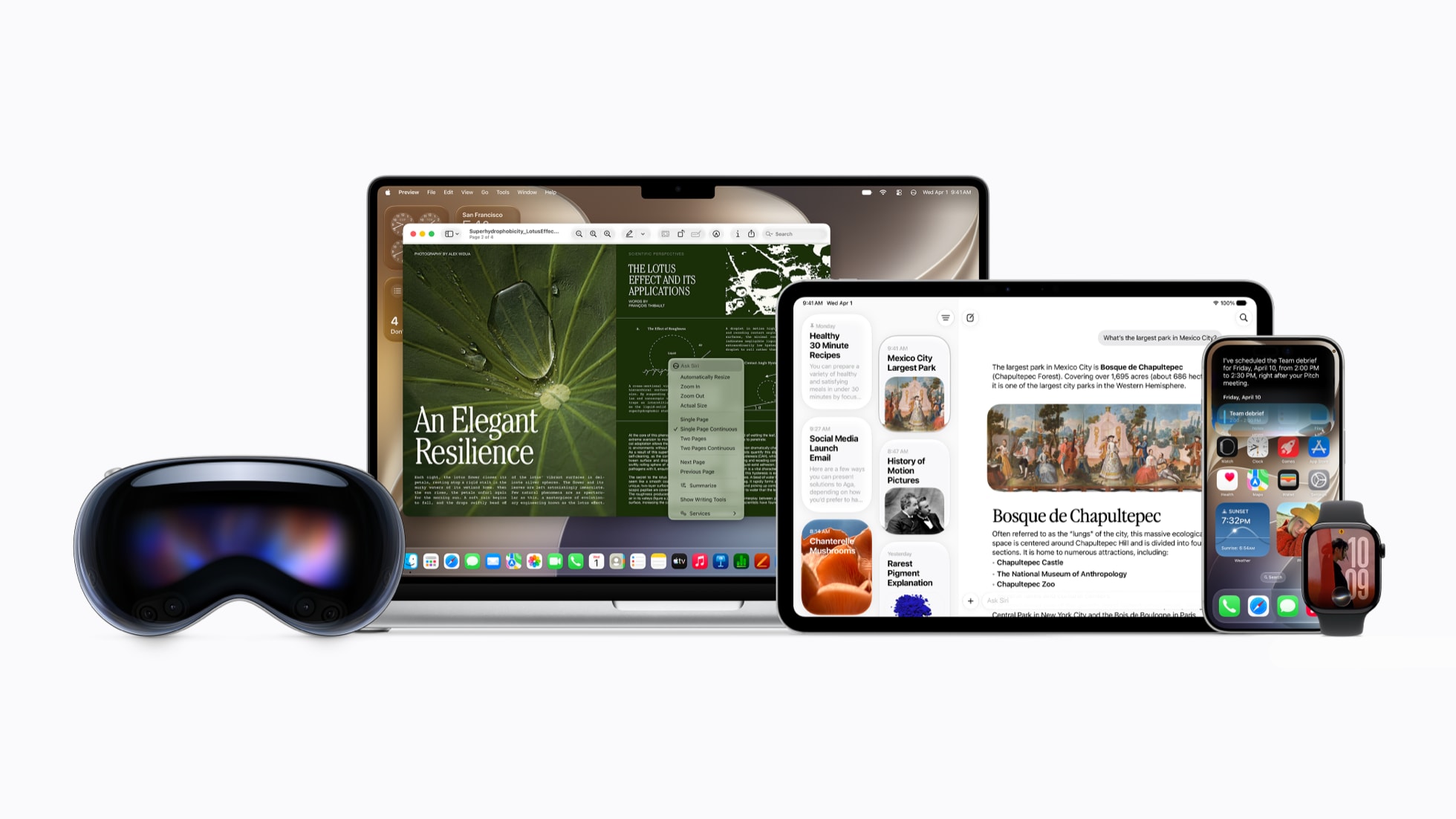
Today, Apple released the public betas of the software updates coming to your iPhone, iPad, and Mac this Fall, bringing users an early preview of the exciting new features.
This includes the next generation of Apple Intelligence, which powers an entirely new version of Siri that’s smarter and more helpful than ever - Siri AI - and useful AI features across apps you use every day, from Photos to Safari to the Phone app.
Below is a roundup of the top features that new Siri AI is going to bring soon to your iPhone, iPad, and Mac devices.
Top AI Features Coming to Your iPhone This Year
- Looking for that restaurant your friend messaged you about? Simply ask Siri, and it’ll find it for you. With personal context understanding, Siri can search across your messages, emails, photos and more to help you find what you’re looking for - whether it’s a family photo you took on a trip years ago, or an email buried in your inbox.
- With broad world knowledge, Siri can tap into the web to answer questions about virtually any topic, from travel recommendations to upcoming concert dates.

- Ask Siri about anything that’s on your screen by tapping into onscreen awareness. For example, if you’re checking out a recipe online, you can simply ask Siri to add the ingredients to your grocery list.
- On iPhone, you can tap into an all-new Siri mode in the Camera app. You can easily search or ask questions about what’s around you. There are also useful new actions you can take, like getting the nutritional insights about a plate of food.
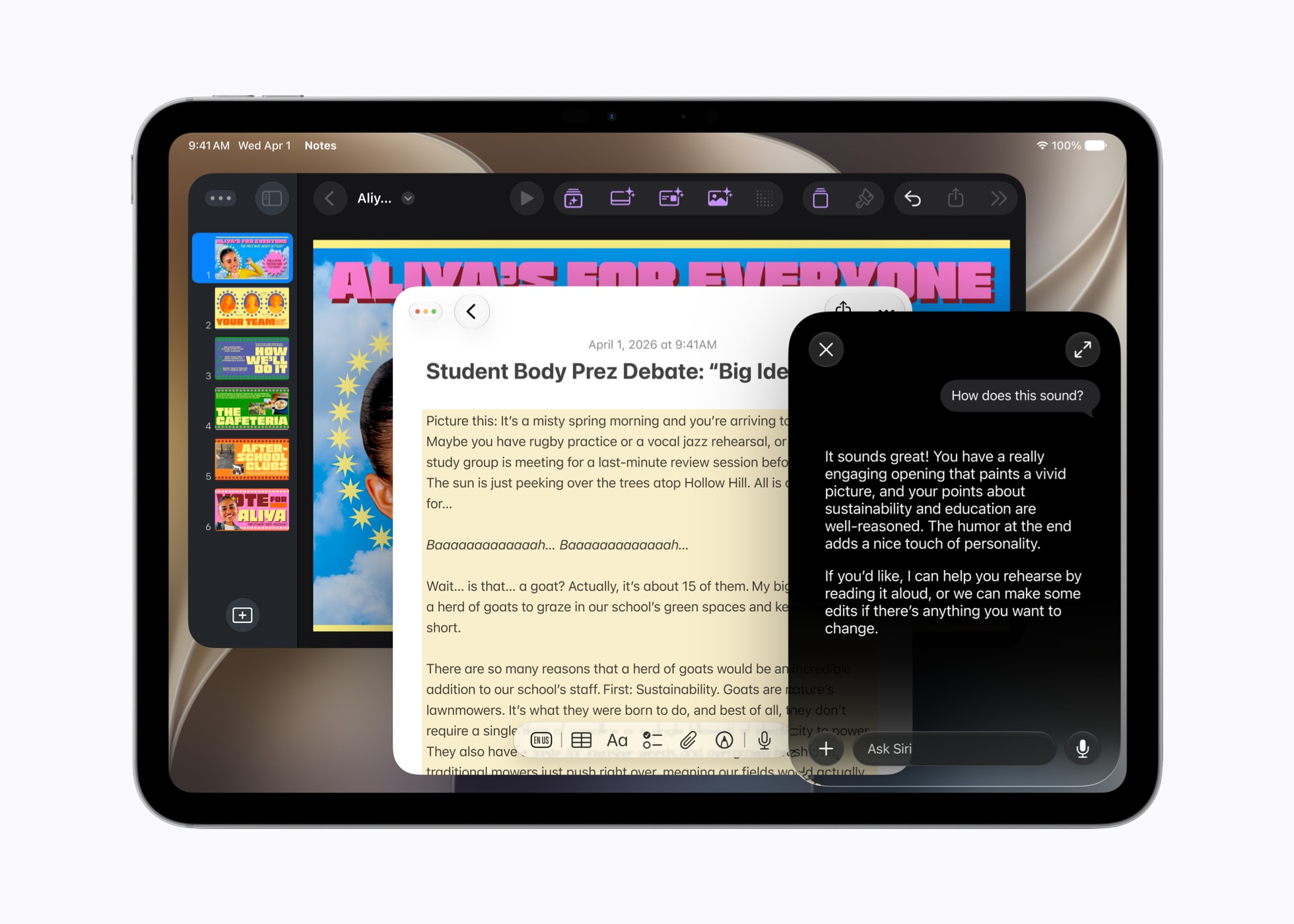
- Need help finding the right words? You can write with Siri and ask it to draft, edit, or proofread anything - an email, a caption, a message - right where you're typing. And in Mail and Messages, Siri can even reflect your personal tone and style based on the person you’re communicating with.
- Wish you’d stepped further to the right before taking that shot? With Spatial Reframing, you can shift the composition of a photo after the fact. And with Extend, you can expand images to give your subject more breathing room - perfect for adjusting aspect ratios or creating Lock Screen wallpapers.
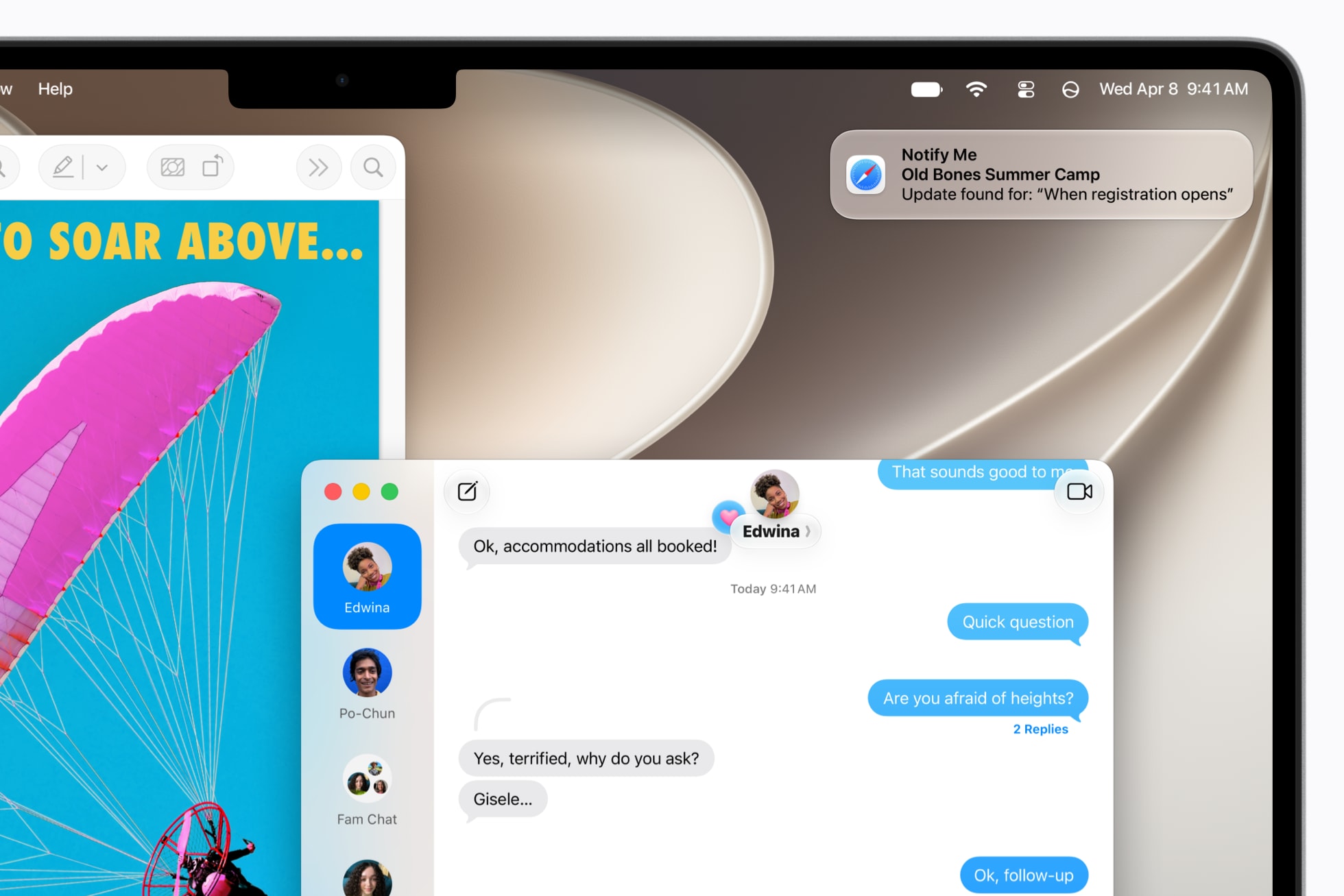
- Never miss a product restock again. With Notify Me, Safari can let you know when a web page changes, so you can stay on top of price changes, ticket drops, and more.
- Calling about reservations and trip bookings just got way easier. When you call a business, Call Context can automatically surface the information you need, like a confirmation code or reservation number, right in the Phone app.