
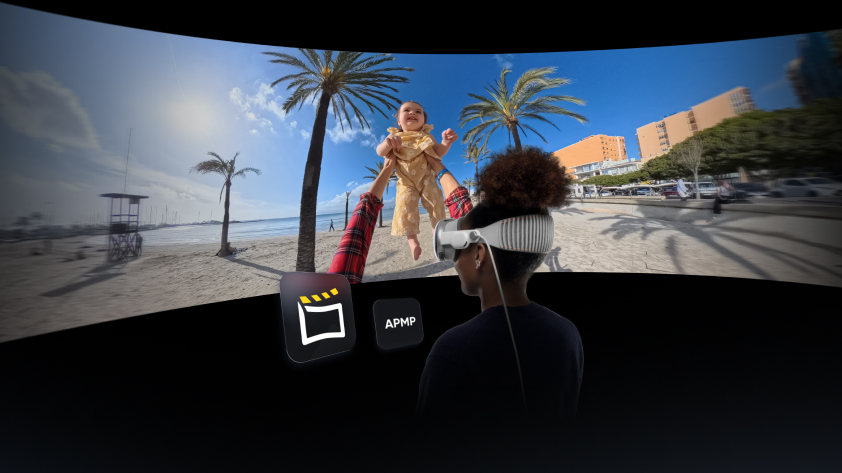
Insta360 today launched an updated Insta360 Studio app for Mac, which adds support for Apple Projected Media Profile (APMP), alongside the release of visionOS 26. The update streamlines the export of 360 and wide field-of-view video from Insta360 Ace Pro 2 and X Series cameras, enabling users to capture their world with an Insta360 and relive their memories on Apple Vision Pro as they were meant to be experienced.
Availability and Requirements
Apple Devices: A Mac updated to macOS Tahoe 26, and an Apple Vision Pro updated to visionOS 26.
Insta360 Devices: Video shot on an X Series camera (X5, X4, X3, ONE X2, ONE X) or Insta360 Ace Pro 2, in either 360 or wide-angle mode.
Software: The latest version of Insta360 Studio for Mac (v5.7.4 or later)
How to Export & Transfer
1. In Insta360 Studio, edit your 360 or wide-angle video and click Export.
2. Choose Local Export > 360 Video (for 360 footage) or Video (for wide-angle footage).
3. In the settings:
- Set Media Type to Video.
- Check the box for APMP.
4. Click Start Export.
5. AirDrop the file to your Apple Vision Pro.
6. Tap the file to open it on your Vision Pro.